How to Create Photo-Ready Event Displays with Custom Cutouts
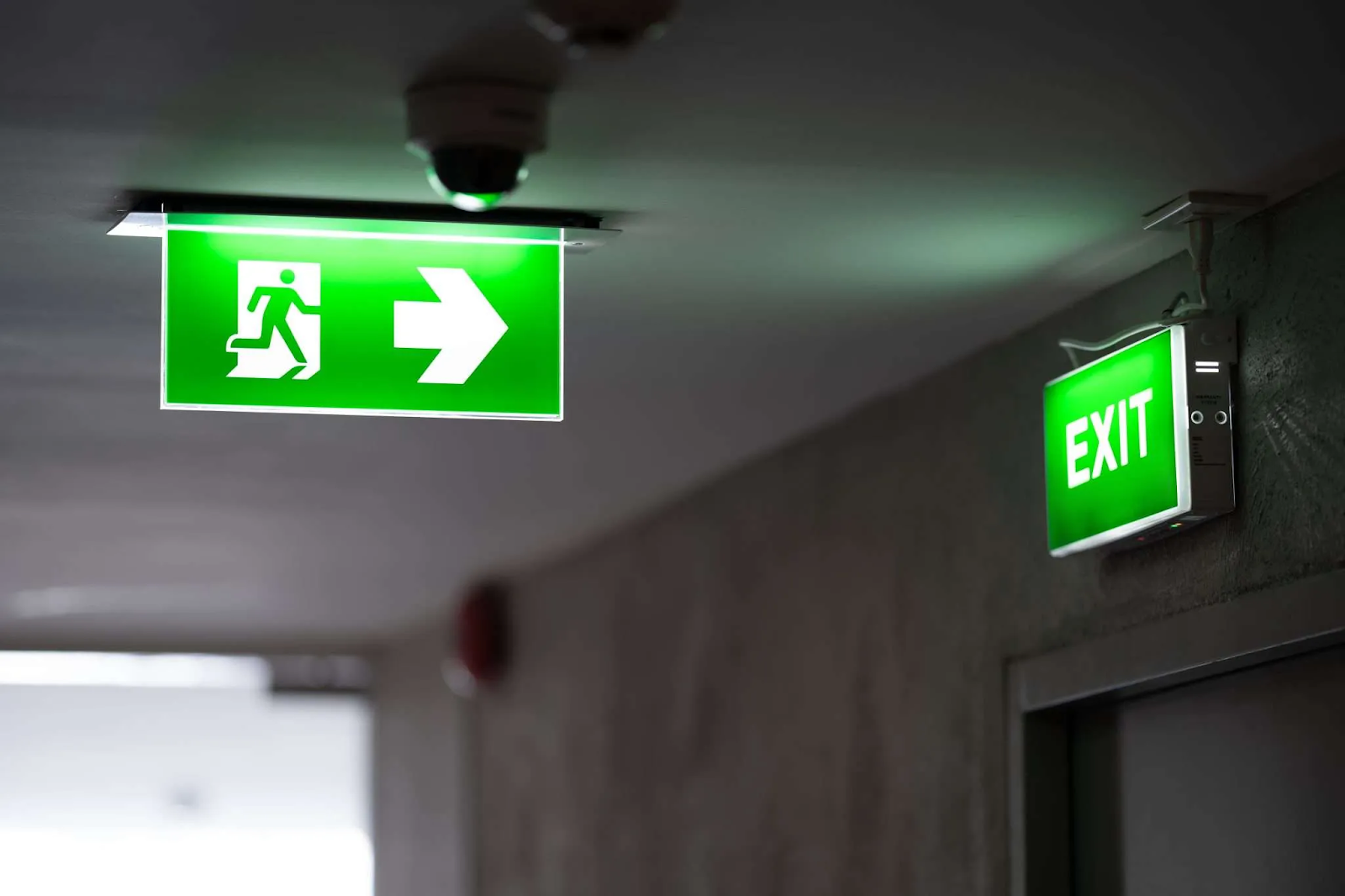
An event photo display should feel like part of the occasion, not an obstacle guests have to work around. A well-placed cutout can give people a natural place to pose, add character to a room and make a theme easier to recognise. Getting the result right takes a little planning: the image needs to suit the final size, the shape should read clearly from a distance, and the stand must work in the chosen space. Here’s how to plan a display that looks good in person and in the photos guests take.
Give the display a clear role
Start by deciding what the display is there to do. It might welcome guests, add a playful element to a party, introduce a product at a launch or create a photo point at an exhibition. A single clear purpose makes it easier to choose the subject, wording and location.
Think about the guests’ experience as well as the design. Place the cutout where people can stop and pose without blocking a doorway, queue or walkway. Check what will appear behind it in photographs, and leave enough room for one person—or a small group—to stand comfortably beside it.
For a branded event, the subject and visual style can reflect the campaign or occasion. Keep any logo or message easy to spot, but let the image remain the main focus. Too much text or decoration can make the display harder to read in a quick glance and busier in photographs.
Pick a material for the setting
The words “cardboard cutout” do not always describe the material used. The supplied product page says its life-size cutouts are made from 5 mm Foamex, a rigid PVC foam board, rather than standard cardboard. It describes the material as moisture-resistant and suitable for indoor and outdoor use. Check the supplier’s current specification to make sure the product suits your venue and how long it will be displayed.
A printed foamex board can also be used for signs and display panels. The company’s homepage lists examples including exhibition panels, retail promotions, directional displays, safety signs and branded backdrops. The size, thickness and support needed will depend on the use, so discuss the planned location with the printer before settling on a specification.
For a one-day indoor event, portability and straightforward set-up may be priorities. For an outdoor display, ask about the specific product’s suitability for the conditions and how it should be secured. A general material description cannot confirm that every size or format will work in every setting.
Make the shape easy to recognise
A custom outline can help a display stand out, especially when the subject is familiar to guests. It might be a person, character, pet, vehicle or product. Choose a silhouette that remains recognisable from across the room; very fine details may not show clearly once the design is printed and cut.
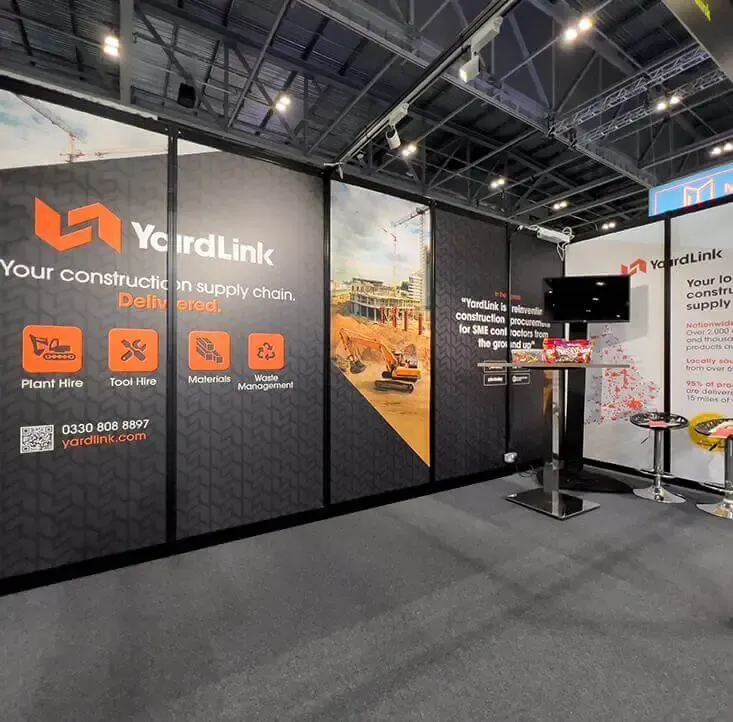
Size the display for both the venue and the camera frame. The supplied product page lists height options up to 1,220 mm, from 1,220 mm to 1,524 mm, and from 1,524 mm to 1,828 mm. These ranges offer different levels of presence, but the best fit depends on the available space and how guests will pose beside it.
Ask how the cutout will stand. The product page describes a fold-out rear support and says the item ships flat. Confirm the support details for your order, and plan where it will sit so it remains stable without creating a trip hazard.
Prepare artwork for printing
A clear source image is essential when a design will be enlarged. The product information recommends a high-resolution image with good lighting and minimal blur, with space around the subject to help achieve clean edges. Make sure you have the necessary rights to use the image, especially if it features a recognisable person, character or brand.
Before approving the artwork, check:
- the final height and proportions
- the crop and cut-out outline
- whether important details remain visible
- the position and size of any logo or wording
- the finish and support included
If a proof is available, review it at the intended size or ask the supplier to show how the design will be cropped. This gives you a chance to spot awkward edges or text that may be hidden when a guest stands beside the display.
Set up a photo-friendly scene
The cutout is only one part of the photo area. Consider the light, background and camera angle, then keep nearby decorations simple enough that the subject remains easy to see. Avoid placing the display where strong reflections, clutter or passers-by could distract from the photo.
A quick camera check before guests arrive can help. Take a test photo from the position where people are likely to stand. Look for cropped details, an unclear message or a background that competes with the display. If the image will be shared online, check that any event name or branding is visible in the frame without dominating it.
Thoughtfully planned custom cardboard cutouts can bring a theme into the room and give guests a memorable place to pose. Since products described by that name may use different materials, confirm what the cutout is made from before ordering.
For a broader overview of the material and its possible applications, see material choices and typical applications.
Allow time for delivery and handling
Check the current production and delivery schedule against your event date, and leave time to inspect the display when it arrives. Confirm how it should be carried, assembled, cleaned and stored. If you plan to use it again, protect the printed surface and edges between events.
A second foamex board display, such as a welcome or directional panel, may help guests find the photo area. Keep additional signs consistent with the cutout, and place them where they are useful rather than crowding the display itself. The product supplier can confirm which sizes, finishes and support options are available for your design.
Conclusion
A photo-ready display comes together when the subject, shape, size and setting all work as one. Choose an image that will stay clear at full scale, check the support and material details, and leave enough room for guests to pose comfortably. A camera test before the event can catch issues with lighting, framing or background clutter while there is still time to adjust the layout. Foamex Printing Company’s product information describes its cutouts and available options; confirm the current specifications and delivery timing with the supplier before ordering.


Comments
Post a Comment